
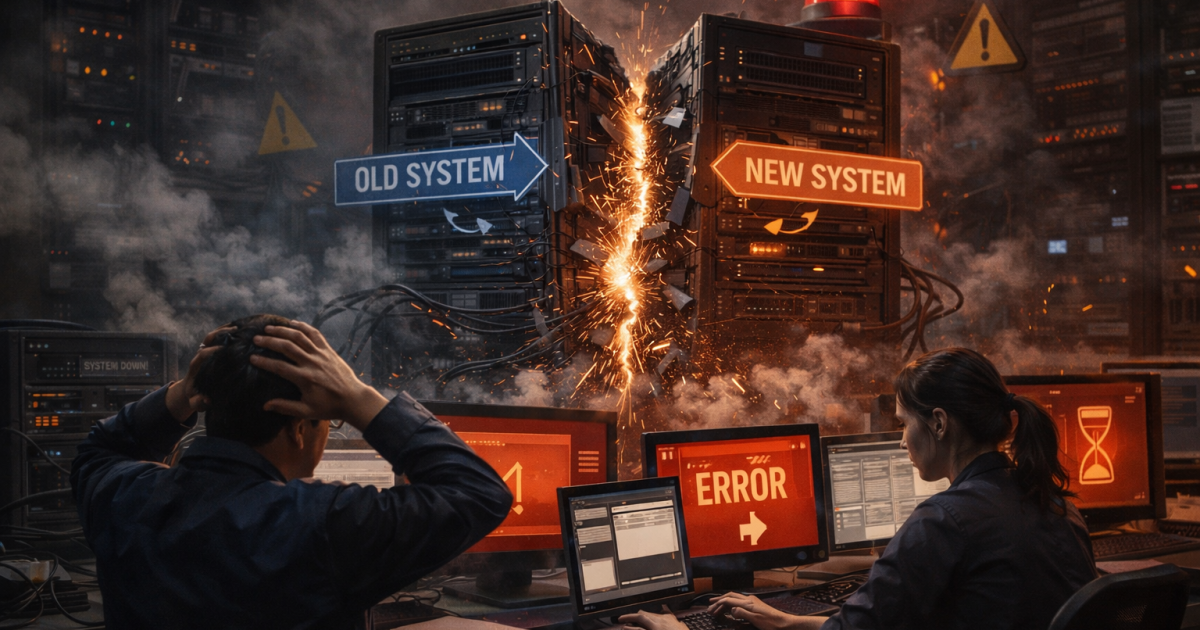
This is the story of a database migration failure that took production down for six hours. It was supposed to be a simple migration — add an index to improve query performance. We had tested it in staging. The CI pipeline passed. The deployment was scheduled for 2 AM when traffic was lowest. None of that mattered.
By 3 AM, the database was locked. By 4 AM, the application was returning 500 errors. By 8 AM, when users came online, we were still trying to figure out what went wrong.
What Happened: Anatomy of a Database Migration Failure
The migration added an index to a table with 50 million rows. In staging, this table had 100,000 rows. The migration took 3 seconds in staging. In production, it ran for 4 hours and locked the entire table.
Every write to that table queued up. The connection pool filled. New requests started failing. Our auto-scaling spun up more instances, which just added more blocked connections. We had created a cascading failure from a single index.
What We Did Wrong
1. Staging Did Not Match Production
Our staging database was a fraction of production size. We knew this. We tested migrations there anyway. The migration that took 3 seconds with 100K rows takes 4 hours with 50M rows. We should have calculated this. Most database migration failure incidents I have seen since trace back to this same staging-versus-production gap.
2. We Did Not Understand Lock Behavior
Standard CREATE INDEX in PostgreSQL locks the table for writes. We could have used CREATE INDEX CONCURRENTLY, which does not lock but takes longer. We did not know this option existed. That single missing piece of documentation knowledge was the difference between a smooth deployment and a database migration failure that cost us six hours of downtime.
3. No Rollback Plan
Once the migration started, we had no way to stop it without potentially corrupting the database. We had to wait it out. Four hours of watching the application fail while the index built.
4. Monitoring Was Not Specific Enough
We had database monitoring, but it did not alert on table locks. We had application monitoring, but it did not connect slow responses to database wait times. The problem was invisible until users started complaining.
What We Fixed After the Database Migration Failure
A database migration failure of this scale forces a rethink. We could not just patch the immediate problem — we had to rebuild how we approach database changes. The same philosophy that shapes our ETL pipeline design now shapes our migration process: assume things will fail, build for visibility, plan the recovery before the change.
Production-Like Staging
We now restore production backups to staging weekly. Migrations run against real data volumes. This caught two more slow migrations before they hit production.
Migration Checklist
Every migration now requires:
- Estimated run time on production data volume
- Lock analysis (what tables, what operations blocked)
- Rollback procedure
- Monitoring queries to track progress
Concurrent Operations By Default
Index creation uses CONCURRENTLY flag by default. We accept the longer build time in exchange for not blocking writes. PostgreSQL’s CREATE INDEX CONCURRENTLY documentation spells out the tradeoffs — slower build, no table lock, requires more memory. After our database migration failure, those tradeoffs are no longer negotiable.
Better Monitoring
We now track active table locks, blocked queries, and connection pool utilization. Alerts fire when any of these exceed thresholds.
The Lesson
Testing is not the same as understanding. We tested the migration. We did not understand what the migration did to the database. We did not understand the locking behavior. We did not understand how scale affected timing.
Tests catch bugs in code. They do not catch bugs in thinking. The migration worked exactly as PostgreSQL documented. We just had not read that documentation carefully enough. Every database migration failure I have witnessed since has the same root cause — confidence built on testing, not on understanding.
Every significant database change now gets a review from someone who understands database internals. Not just “does it work” but “how does it work.” That question would have saved us 6 hours of downtime. This is the same lesson that runs through our work on the 6-phase ETL pipeline pattern — understanding the mechanics is more valuable than testing the surface behavior.
Key Takeaways
A database migration failure does not happen because someone forgot to test. It happens because testing in a smaller environment looks the same as understanding what the migration actually does. The fix is not more tests. The fix is more understanding.
- Match production scale in staging: A migration that takes 3 seconds on 100K rows can take 4 hours on 50M rows. Restore production backups to staging on a regular cadence so timing data is real.
- Read the lock documentation: Every DDL operation in your database has a specific lock behavior. Knowing whether a statement blocks reads, writes, or neither is the difference between a clean deploy and an outage.
- Use CONCURRENTLY by default for indexes: The longer build time is a small cost compared to a locked table during peak hours.
- Write a rollback plan before you run the migration: If you cannot describe how to undo it safely, you are not ready to run it.
- Monitor table locks, not just CPU: Application monitoring that does not correlate slow responses with database wait times will let a lock cascade run unnoticed until users complain.
- Get a second opinion on every significant change: Someone who understands database internals reviewing the migration plan would have caught the missing CONCURRENTLY in five seconds.
- Tests catch bugs in code, not bugs in thinking: The hardest production failures come from gaps in understanding, not gaps in test coverage.
Six hours of downtime is an expensive lesson. The lesson worth keeping is that operational confidence comes from understanding the system, not from how green the test suite is.